The National Examinations Council (NECO) is a Nigerian examination body that conducts the Senior Secondary Certificate Examination (SSCE) for students in their final year of secondary school. After taking the NECO exams, students can check their results online, which is a convenient and easy process like checking your waec results too. In this article, we will provide a step-by-step guide on how to check your 2023 NECO result online.
Step 1: Obtain your NECO Result Checking Token
Before you can check your 2023 NECO result online, you will need to obtain a NECO Result Checking Token. This token serves as a unique code that enables you to check your result online. You can obtain a Result Checking Token from any NECO office, NECO portal or an authorised online dealer.
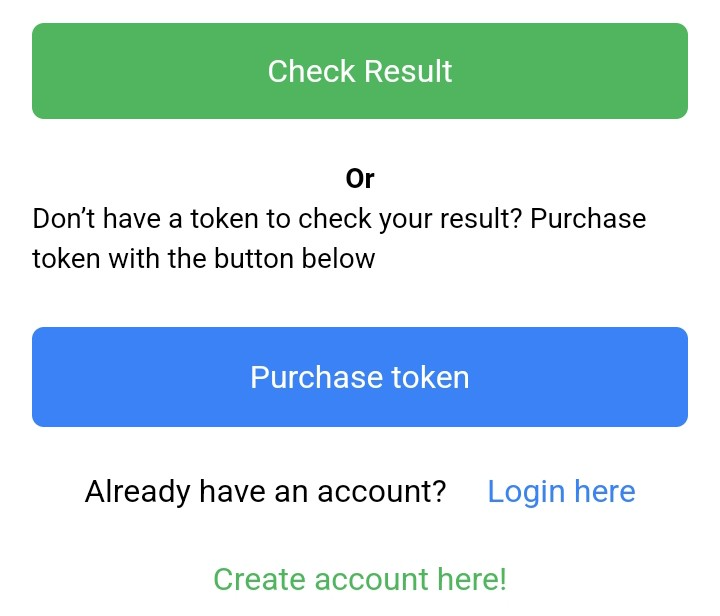
You will need to provide your exam registration number and a small fee to get the token.
Step 2: Visit the NECO result checking website
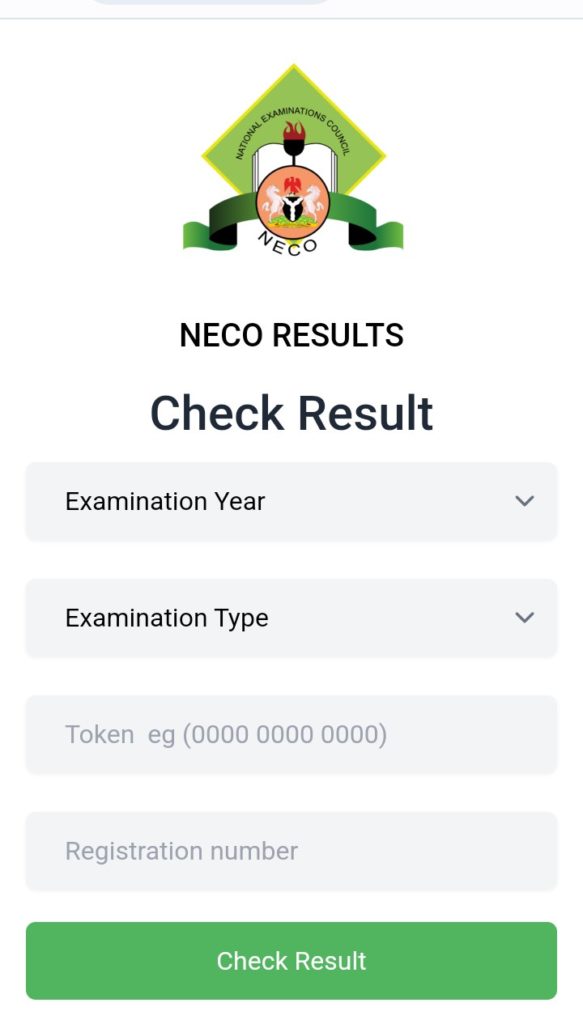
Once you have obtained your Result Checking Token, you can proceed to the NECO result checking website at https://results.neco.gov.ng/. On the page, you’ll find 4 fields needing you to fill them. They include “Examination Year”, “Examination Type”, “Token”, and “Registration Number”.
Step 3: Select the Exam Type
Choose the appropriate exam type from the drop-down list. For instance, if you took your NECO with the secondary school you finished from, you’re picking “NECO internal” exams.
Step 4: Select the Exam Year
After selecting the exam type, the next step to check your NECO result is to choose the exam year. You can choose any year from 2000 to the current year.
Step 5: Enter your Result Checking Token and Exam Registration Number to check your NECO results
In the next step, enter your Result Checking Token and Exam Registration Number in the spaces provided. Ensure that you enter the correct details, including your examination number and year of examination.
Step 6: Click on the “Check Result” to see NECO scores
After entering your details, click on the “Check Result” button to proceed to see your NECO scores. If you have entered the correct details, your result will be displayed on the screen. You can print out your result or save it for future reference. And that’s it about how to check your NECO results online.
Final thoughts on how to check NECO results
Checking your NECO result online is a seamless process with the above steps. But should you face any difficulty, ensure to reach out to the NECO support line – support@neco.gov.ng. Good luck!