Written by: Larissa Liang
While the Apple ecosystem is known for its stability, data loss remains a concern. Important files can vanish due to accidental deletion, failed software updates, or physical damage. In addition, even a misconfigured backup or a system glitch can leave a device empty of its most valuable content.
Still, many options exist to address these challenges, ranging from tools like Dr.Fone data recovery software to technical consultation. Thus, this guide explains how such software can scan the storage and retrieve information from the device and backup sources.
Part 1. What makes iOS data recovery different from android recovery?
Unlike Android, the recovery process of the iPhone differs due to a closed ecosystem and strict security protocols. Thus, when choosing third-party data recovery software for the iPhone, consider that iOS uses a siloed file system in which apps operate in isolated containers. This limits how software interacts with internal storage, compared to other software that may have direct access to mass storage.
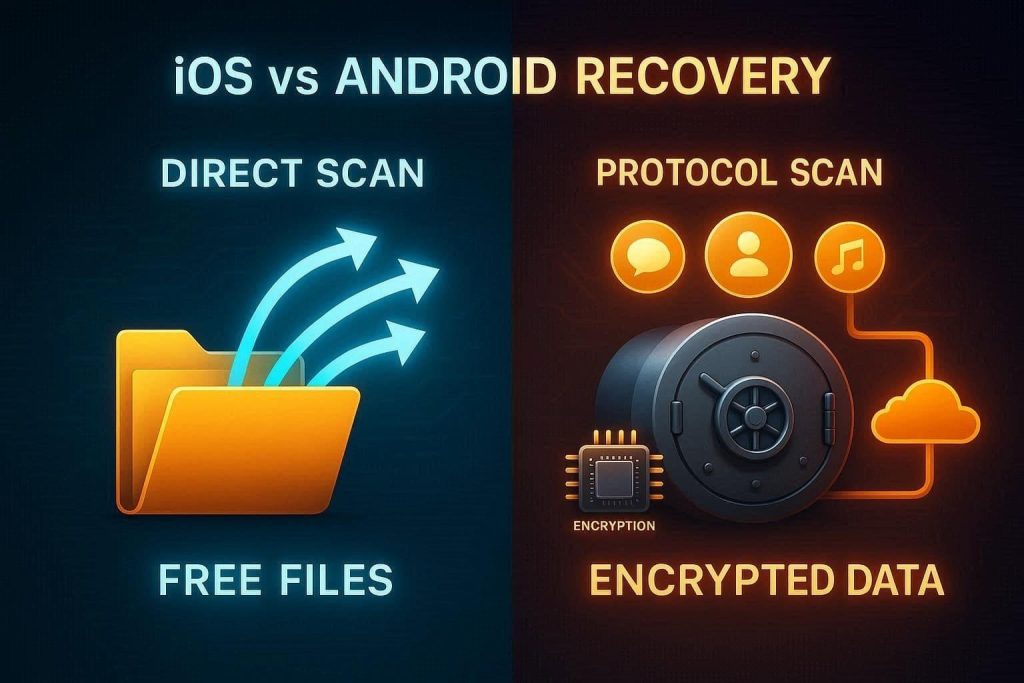
Apple requires specialized communication protocols to scan for deleted data. Not just that, hardware-level encryption on iPhone/iPad means that data blocks are often unreadable once encryption keys are discarded. Apple’s recovery path is also defined by its deep integration with iCloud and iTunes services. The ecosystem prioritizes encrypted, proprietary backup formats that require specialized extraction methods to view individual files, such as messages or call logs.
Part 2. What good iOS recovery software should be able to recover?
To know how to recover deleted photos from an iPhone, it’s important to choose the right option. Therefore, the following points highlight what the best software must be able to recover from iOS devices:
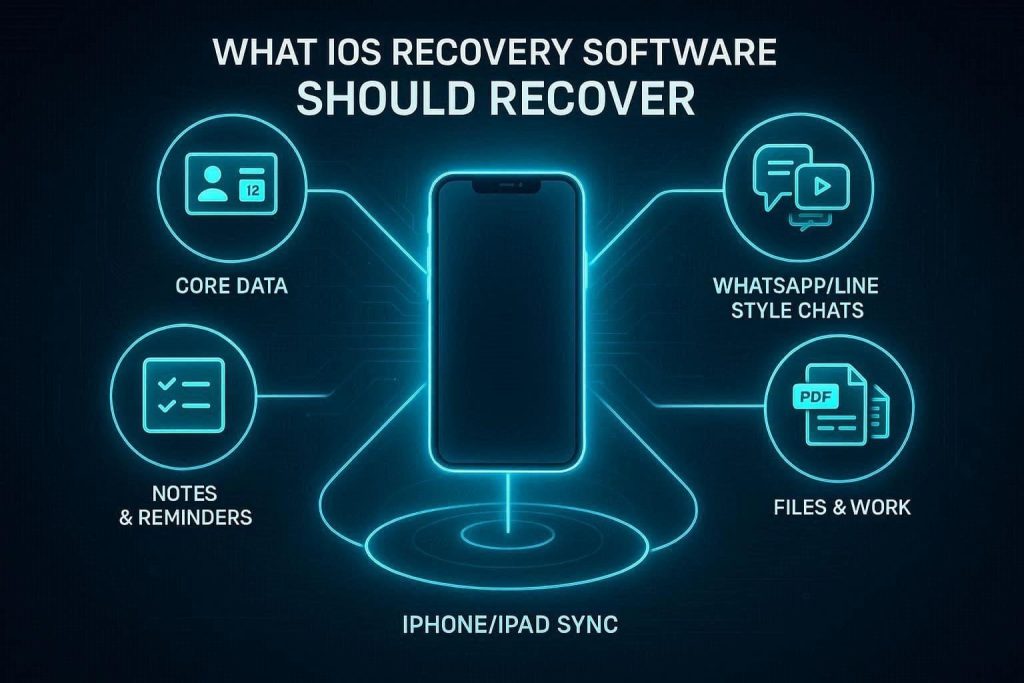
- Broad Data Support: The software must cover multiple information types such as contacts, call logs, and calendar entries. Having this support ensures the essential information and the scheduled return to the device, along with media files, in simple steps.
- Messaging and App Chats: Mobile activity centers on third-party platforms like WhatsApp, LINE, and Viber for daily communication. Thus, tools must scan the app database to rebuild the conversations and retrieve attachments that standard backups might miss.
- Lightweight Work Content: Items such as Notes and Reminders often hold the critical meeting summaries and project ideas. Thus, recovery applications can treat these as primary databases and allow for the selective extraction of specific lists or memos.
- Productivity File Recovery: Many professionals store reports and spreadsheets from Pages, Numbers, or Keynote directly on mobile storage. So, recovery tools must target these document formats and PDFs to help users restore important work projects and school material.
- Universal Device Compatibility: A reliable solution works across various hardware models, including iPhone, iPad, and iPad Touch. Thus, this cross-device support must allow for the retrieval of files and app data from any Apple device or its associated backups.
Part 3. Recovering data directly from iPhone or iPad
A direct scan of the phone or tablet using third-party data recovery software for the iPhone, such as Dr.Fone, can recover data even when no backup exists. This method involves searching the internal memory for data blocks that the system has not yet overwritten with the new information.
With options like quick and deep scan, such tools can also help when the device is still accessible. This way, the tool can recover lost items directly from the hardware without needing a computer save or cloud record.
Part 4. Recovering data from iCloud and other backups
In cases where the device is lost, damaged, or has recently been wiped, recovering files from saved records is the common approach. Here, users can use iCloud backup or a computer save without performing a full system restore, and tools like Dr.Fone can retrieve the data selectively.
Thus, this comprehensive method allows for a targeted search of older versions, which is helpful if the local storage blocks have already been overwritten by the new activity.
Part 5. How to choose the right iOS recovery method for your situation
While learning how to recover deleted photos from an iPhone, picking the method is a must. So, adhere to the mentioned considerations and determine what way of recovery to adopt:
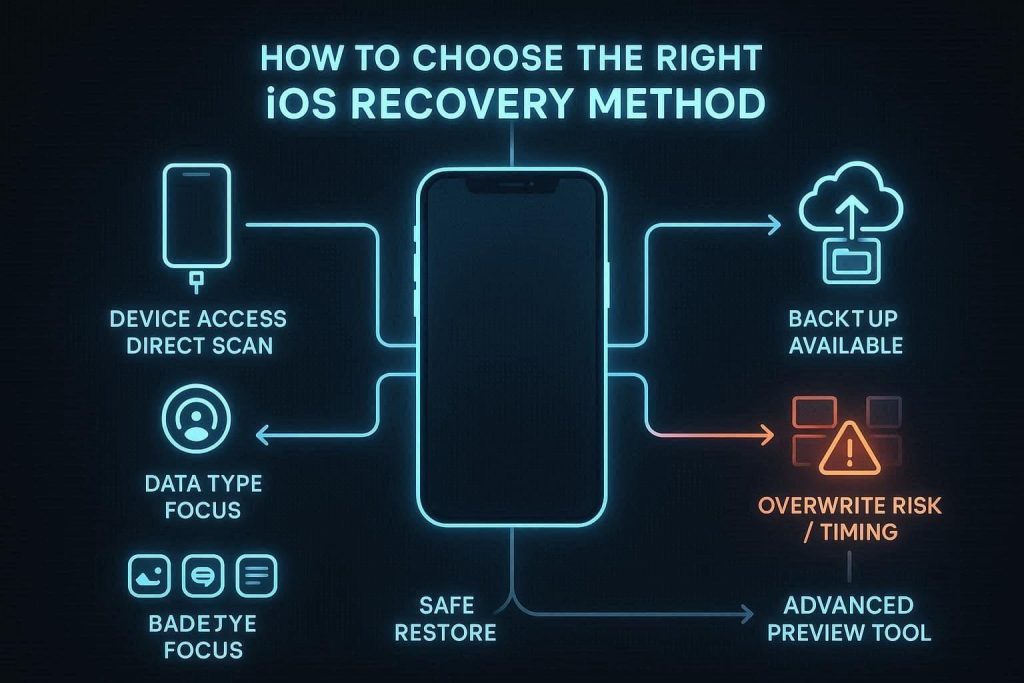
- Device Status and Access: The first decision depends on whether the iPhone or iPad can still connect to a computer. If the device power is on, a direct scan of the storage is the common way to find recently deleted data.
- Available Backup Records: If the backup is present and recent, it can also determine the safest path to retrieve a large set of files. Recovery tools can open these backups to extract specific items, such as messages or notes, without a full system wipe.
- Data Type Urgency: Success rate varies depending on whether the missing items are images, app chats, or office documents. So, a method must be chosen that explicitly targets a specific category, such as Pages files or work spreadsheets.
- Overwrite Risk and Timing: New activity on a powered-on device can quickly replace the memory blocks where deleted content remains. When a loss is recent, a quick scan yields the best results, while older losses may require searching backup archives.
- Complexity and Risk Levels: A standard system restore is simple but replaces all current data with an old save, which might delete new files. Thus, advanced tools like Dr.Fone enable granular search and preview of items, allowing restoration of only what is missing.
Conclusion
Managing data loss on Apple devices requires a strategic approach tailored to iOS’s unique security. Whether the cause is a system glitch or accidental deletion, modern software like Dr.Fone data recovery software offers simple methods to retrieve lost data. Hence, by evaluating device status and backup availability, users can select the most effective recovery method.