

Table of contents
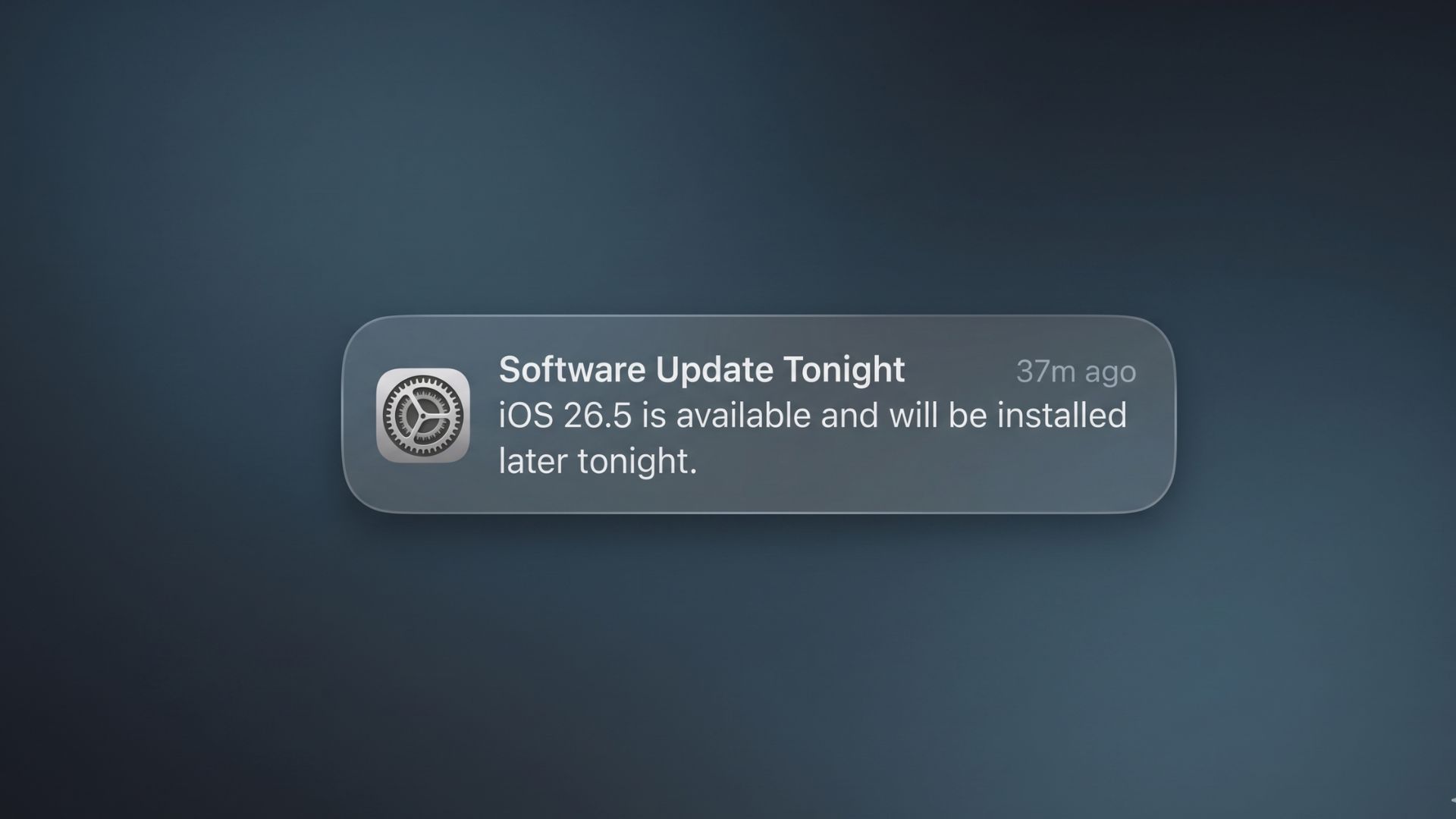
Apple released iOS 26.5 on May 11, 2026, exactly 48 days after iOS 26.4 debuted. The update is not a massive overhaul, but it brings three things Apple officially highlighted: end-to-end encrypted RCS messaging (in beta), a new Suggested Places section in Apple Maps, and a customisable Pride Luminance wallpaper. Alongside those, there are more than 50 security fixes and a handful of smaller quality-of-life changes across the system.
This guide covers everything: what’s new, which iPhones support it, and which features are available across different regions.
What is new in iOS 26.5
1. End-to-End Encrypted RCS Messaging (Beta)
This is the biggest change in iOS 26.5. When you send a message to someone on Android, it usually goes as an RCS message (if both carriers support it) or plain SMS. Either way, the conversation has not been encrypted end-to-end until now.
With iOS 26.5, Apple has added end-to-end encryption to RCS conversations. The feature is built on the Messaging Layer Security (MLS) protocol, developed with Google and the GSMA. When it is active, you will see a lock icon and the word “Encrypted” at the top of the conversation thread.
A few things to keep in mind:
- It is still labelled as beta.
- Both your carrier and the Android user’s carrier must support it. If only one side has a supported carrier, the conversation falls back to unencrypted RCS or plain SMS, with no warning beyond the absence of that lock icon.
- The Android user needs the latest version of Google Messages.
- The toggle is on by default once you update. You can check yours under Settings > Apps > Messages > RCS Messaging.
Carrier support is patchy right now. Here is where things stand:
- United States: 23 carriers are supported, including AT&T, T-Mobile USA, Verizon Wireless, Boost Mobile, Cricket, Mint Mobile, and Xfinity Mobile.
- Canada: 12 carriers, including Bell, Rogers, Telus, Fido, Freedom Mobile, and Koodo.
- United Kingdom: Three, BT, and EE. O2 and Vodafone UK are not on the list.
- Continental Europe: Around 15 carriers across 9 countries, covering parts of Austria, Belgium, Czechia, Germany, Greece, Hungary, Slovakia, and Spain. No French, Italian, or Dutch carrier is listed. Vodafone does not appear anywhere in Europe on this list.
- Asia-Pacific: Only three carriers are listed so far: au and SoftBank in Japan, and Singtel in Singapore. NTT DOCOMO and Rakuten Mobile are absent. Australia, South Korea, India, China, and Southeast Asia are not included.
- Africa: Zero. No African carrier appears on Apple’s encrypted RCS support page. MTN, Airtel, Globacom, 9mobile, Safaricom, Vodacom, Orange Africa, and other African operators are absent from the list. Apple’s Africa carrier page was last updated April 1, 2026, about six weeks before iOS 26.5 launched, and the other regional pages were refreshed on launch day. That gap is worth noting. The absence is solid as a snapshot of what Apple is publicly committing to today, but it may not reflect what carriers are quietly testing in the background.
The practical takeaway for most users outside the US and Canada: the encrypted RCS toggle will appear in your settings, but the feature will not actually activate unless your carrier is on the list. For private cross-platform messaging, Signal and WhatsApp remain reliable options.
2. Suggested places in Apple Maps
When you tap the search bar in Apple Maps, you will now see two recommended locations appear above your recent searches. These are pulled from what is trending nearby and your own recent search activity. The recommendations refresh over time and shift to reflect wherever you have been searching.
This feature is available globally. There is no opt-out for the location-based personalisation that drives these suggestions.
One important distinction: Suggested Places and Apple Maps ads are two separate things. Apple has confirmed that ads will eventually appear within Maps search results, clearly labelled as “Ad,” with placement auctioned by keyword. But those ads are not live yet. Apple announced in its March 24, 2026, Newsroom post that Maps ads would be “available to businesses in the United States and Canada starting this summer.” As of now, the ads have not appeared. The Suggested Places feature itself is the live, global addition in iOS 26.5.
3. Pride Luminance Wallpaper
iOS 26.5 ships with a new animated wallpaper called Pride Luminance. It dynamically refracts a spectrum of colours as you tilt, lock, or unlock your iPhone. It is part of Apple’s 2026 Pride collection and comes with 11 preset colour combinations inspired by Pride flag variants, including the Progress flag (light and rich versions), Transgender, and Lesbian, among others, labelled with Roman numerals I through XI.
There is also a 12th option called “Custom” that lets you build your own palette of up to 12 colours. A matching Pride Luminance watch face was added to watchOS 26.5 at the same time.
To get it: Settings > Wallpaper > Add New Wallpaper > Pride collection > Pride Luminance.
4. Magic accessories auto-pair over USB-C
If you own a Magic Keyboard, Magic Mouse, or Magic Trackpad, iOS 26.5 makes pairing much less annoying. Plug the accessory into your iPhone or iPad using a USB-C cable, and the device will establish a persistent Bluetooth pairing that stays active after you unplug the cable. You will not need to manually pair it through Settings every time. This mirrors how the same accessories have always worked with a Mac.
5. App Store: Monthly billing with a 12-month commitment
Apple has added a new subscription billing option for developers. It lets them offer a plan where you pay monthly but commit to 12 months upfront, similar to how mobile phone contracts work. The monthly price must fall between the standard annual price and 1.5 times that annual price. You can cancel at any time, but you remain responsible for paying out the remaining months of the term.
This plan is available in every country except the United States and Singapore. Apple has not given a public reason for excluding those two markets. Analysts have linked the US carve-out to ongoing DOJ antitrust pressure and the aftermath of the Epic v. Apple legal battle.
On the user side, this requires iOS 26.4 or later. Developers need to build their apps with SDK 26.5 to offer it.
6. Reminders: Exact snooze times
A small but useful change to the Reminders app. When a timed reminder fires and you long-press the notification, the snooze options now show exact times, like “Remind Me at 3:00 PM” or “Tomorrow at 9:00 AM,” instead of the old vague labels like “This Afternoon,” “This Evening,” or “Tomorrow Morning.” The times update dynamically based on the time of day when you press.
7. iPhone-to-Android transfer: More attachment options
Apple’s Move to Android transfer tool, which was introduced in iOS 26.3, gets a small upgrade here. When transferring data from your iPhone to an Android device, you can now choose how many message attachments to carry over. The options are: None, Last 30 days, Last 1 year, or All.
8. Apple Books: Year in review 2026 groundwork
The code and assets for an Apple Books Year in Review 2026 feature are sitting inside iOS 26.5, but the feature itself is not live. It will go live closer to the end of the year, following the same pattern Apple used in 2023, 2024, and 2025. When it does, it will assign reading awards with titles like The Adventurous Reader, The Listening Legend, Reading Royalty, The Social Reader, The Endurance Reader, The Golden Bookmark, and The Loyal Reader.
9. EU-Only: Third-party wearable interoperability
To comply with the EU Digital Markets Act, iOS 26.5 opens up three features that were previously exclusive to Apple accessories, but only for users whose Apple Account region is set to an EU country:
- Proximity pairing: Third-party earbuds that implement the spec can use a one-tap pairing experience, similar to how AirPods connect.
- Interactive notifications: Third-party smartwatches can receive your iPhone notifications and let you reply or react. Enabling this for a third-party watch turns off notification forwarding to a paired Apple Watch.
- Live Activities: Real-time Live Activities from your iPhone, such as delivery tracking or sports scores, can display on supported third-party wearables.
Accessory makers still need to update their firmware and companion apps before any of this works. The iOS-side support is in place, but hardware adoption will take time. Apple’s updated developer agreement bans the use of forwarded notifications or Live Activities for advertising, profiling, or location tracking.
10. Brazil: App Marketplace infrastructure, no alternatives yet
iOS 26.5 adds a new “App Installation” setting under Settings > Apps for users with a Brazilian Apple Account. This is the system-level groundwork Apple is putting in place following its December 2025 settlement with CADE, Brazil’s competition authority. That settlement came after a complaint originally filed by MercadoLibre in 2022.
The settlement requires Apple to allow alternative app marketplaces on iOS, third-party payment processors inside apps, and the removal of anti-steering rules. But as of iOS 26.5’s release, no alternative marketplace has been approved or launched. Brazilian users who update will see the new App Installation menu, but it only lists the App Store. You still cannot install apps from outside the App Store in Brazil.
Brazil now joins the EU and Japan as a region where alternative iOS distribution is technically supported at the system level. The framework runs for three years, with fines of up to BRL 150 million for non-compliance. Apple’s fee structure under the deal sets a 25% App Store commission for most developers (10% for those in qualifying programs), plus a 5% fee when developers use Apple’s in-app purchase system.
11. Security: 50+ vulnerabilities fixed
iOS 26.5 patches more than 50 security vulnerabilities covering the kernel, ImageIO, AppleJPEG, mDNSResponder, Sandbox, Shortcuts, Spotlight, and 10 separate WebKit issues. None were known to be actively exploited at the time of release, but Apple’s public disclosure list becomes a roadmap for anyone targeting devices that have not been updated. macOS Tahoe 26.5 carries nearly 70 fixes.
Apple also released iOS 18.7.9, iOS 16.7.16, and iOS 15.8.8 for older devices that cannot run iOS 26. Those updates each carry only a single fix.
What is not in iOS 26.5
The upgraded Siri Apple has been working on isn’t here. According to Bloomberg’s Mark Gurman, the new conversational Siri, including a standalone Siri chatbot app and all the new Apple Intelligence Siri features, has been pushed to iOS 27. That means you will not get a meaningfully smarter Siri until iOS 27 launches in September 2026. Apple is expected to preview iOS 27 at WWDC on June 8, 2026.
Which iPhones are getting iOS 26.5
iOS 26.5 runs on every iPhone that can run iOS 26. The minimum requirement is the A13 Bionic chip, which means iPhone 11 and later. The iPhone XS, XS Max, and XR were dropped when iOS 26 launched and will not be getting this update. Those three models are now on security-only updates through iOS 18.7.9.
Here is the full list of supported iPhones:
- iPhone 11, 11 Pro, 11 Pro Max
- iPhone SE (2nd generation)
- iPhone 12 mini, 12, 12 Pro, 12 Pro Max
- iPhone 13 mini, 13, 13 Pro, 13 Pro Max
- iPhone SE (3rd generation)
- iPhone 14, 14 Plus, 14 Pro, 14 Pro Max
- iPhone 15, 15 Plus, 15 Pro, 15 Pro Max
- iPhone 16e
- iPhone 16, 16 Plus, 16 Pro, 16 Pro Max
- iPhone 17, 17 Pro, 17 Pro Max
- iPhone Air
Apple Intelligence: A separate gate
Running iOS 26.5 and having access to Apple Intelligence are two different things. Apple Intelligence requires an A17 Pro chip or better. The iPhones that qualify are:
- iPhone 15 Pro and 15 Pro Max
- iPhone 16e, 16, 16 Plus, 16 Pro, and 16 Pro Max
- iPhone 17, 17 Pro, 17 Pro Max, and iPhone Air
The standard iPhone 15 and 15 Plus run on the A16 Bionic and can install iOS 26.5, but they do not get Apple Intelligence features.
Where it is available
iOS 26.5 is a global release. There is no staged country rollout for the software itself. Every supported iPhone can receive and install the same build. The differences come down to specific features, not the update itself.
Here is a breakdown of what is available where:
- Suggested Places in Apple Maps: Available globally.
- Apple Maps ads: United States and Canada only; not live yet. Apple confirmed in its March 24, 2026, Newsroom post that ads would be “available to businesses in the United States and Canada starting this summer.”
- End-to-end encrypted RCS: Carrier-by-carrier. Africa has zero listed carriers as of May 25, 2026. See the carrier breakdown in the features section above.
- App Store monthly-with-12-month-commitment subscriptions: Available worldwide except the United States and Singapore.
- EU third-party accessory features: EU Apple Accounts only.
- Brazil App Installation menu: Brazilian Apple Accounts only. No functional alternative marketplaces are available yet.
How to update to iOS 26.5
The process is straightforward:
- Back up your iPhone first. You can do this through iCloud by going to Settings > [your name] > iCloud > iCloud Backup > Back Up Now, or by connecting to a Mac or PC.
- Plug your iPhone into power and connect to Wi-Fi.
- Go to Settings > General > Software Update.
- If iOS 26.5 shows up, tap Download and Install, enter your passcode, and let it run.
If the update has not appeared yet, tapping “Software Update” will trigger a fresh check. Expect the download to be between 5.5 GB and 14 GB, depending on your device and the version you are updating from. Have Wi-Fi ready before you start, and budget 30 to 45 minutes from start to finish.
If you were on iOS 26.5 beta, go to Settings > General > Software Update > Beta Updates, then select Off to switch back to the stable release channel.